TikTok promo videos for your track, cut on the drop
A free promo video maker for producers. Drop in a track and Fabl finds the drop, cuts a clip around it and puts it over gig footage that changes on the beat. Download it for TikTok, Reels or Shorts.
Drop a track to start
MP3, WAV, FLAC, AAC, OGG, AIFF or M4A, up to 50MB
- TikTok
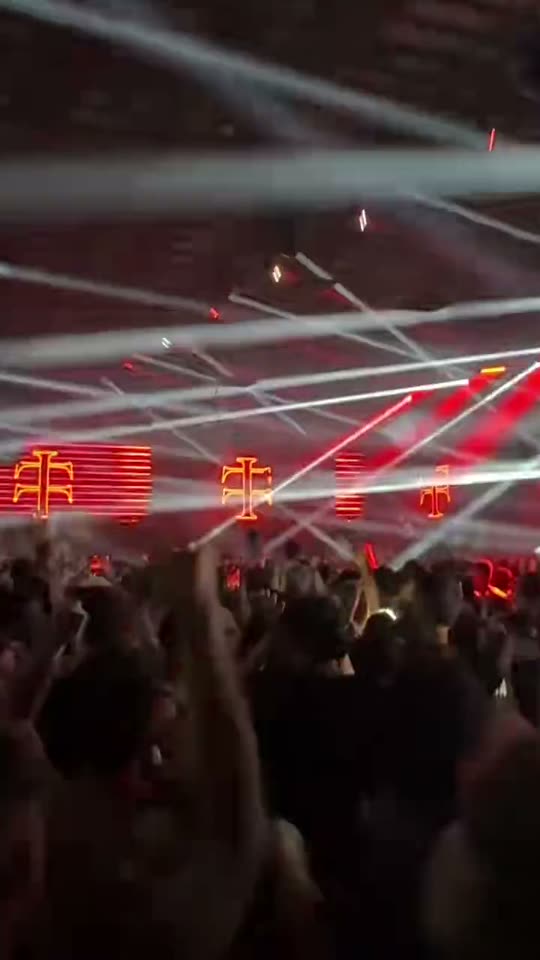
Rate this drop 1 to 10
- Reels
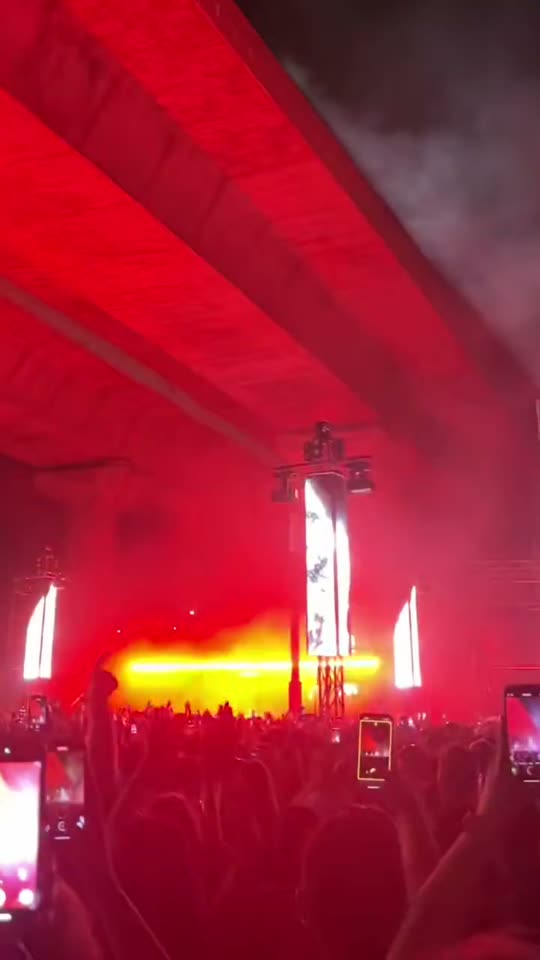
wait for it
- Shorts
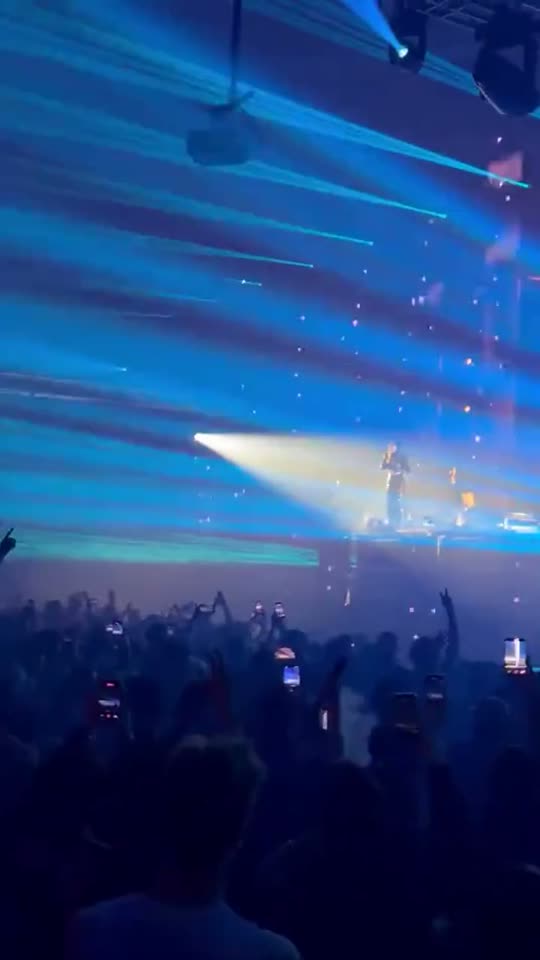
Out soon
How it works
- 1
Drop in a track
A WAV, MP3, FLAC or AIFF from your computer or phone. It stays on your device.
- 2
Pick the moment
Fabl finds the drops and times them to the kick. Drag the window on the waveform to choose a different 5 to 30 seconds.
- 3
Download it
Sign up free and download a 1080 by 1920 video with your track as the sound. On a phone, share it straight to TikTok or Instagram.
Five templates
Each one is built around the drop. Change the words, the font and the colour, and drag anything on the video to where you want it.
wait for it
Night Bus
Halden
The drop hits
Your line over the build, then a hard cut when the drop lands.
Out soon
Night Bus
Halden
Unreleased ID
A clean teaser: the waveform plays through and the drop lands on "Out soon".
Rate this drop 1 to 10
Night Bus
Halden
Rate this drop
A question people answer in the comments, on screen through the build and the drop.
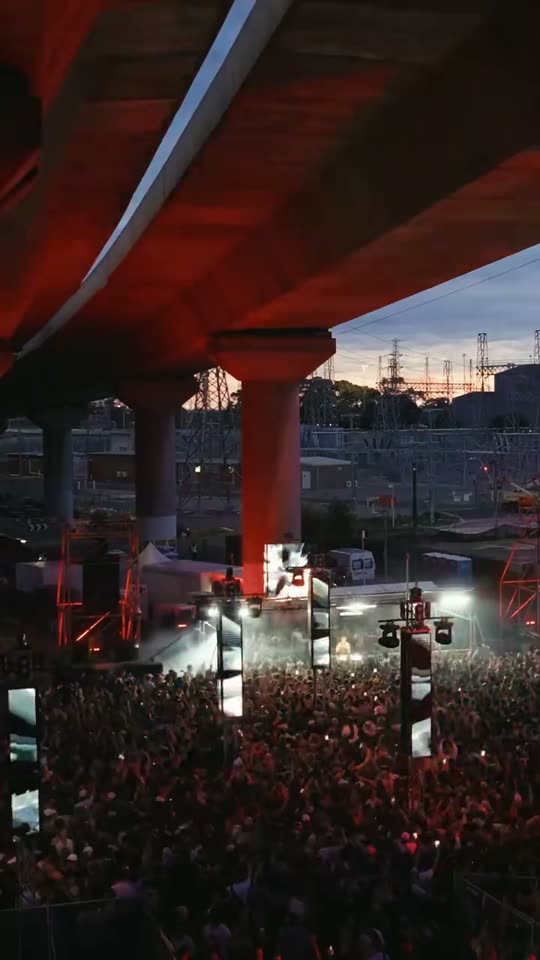
Night Bus
Halden
Cover visualiser
Your artwork with bars that move to the track. Works for any part of it.
we don't sleep
till the lights come up
Night Bus
Halden
Lyrics
The vocal on screen as it's sung, word by word. For tracks with words.
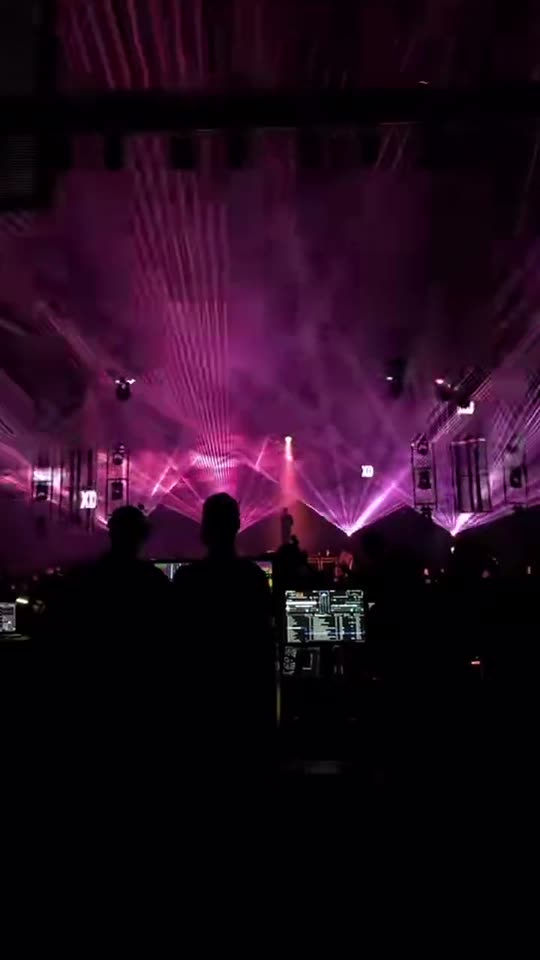
Footage that cuts on the beat
Fabl lines every cut up with your track's beat, from its analysed tempo, so there's nothing to edit by hand.
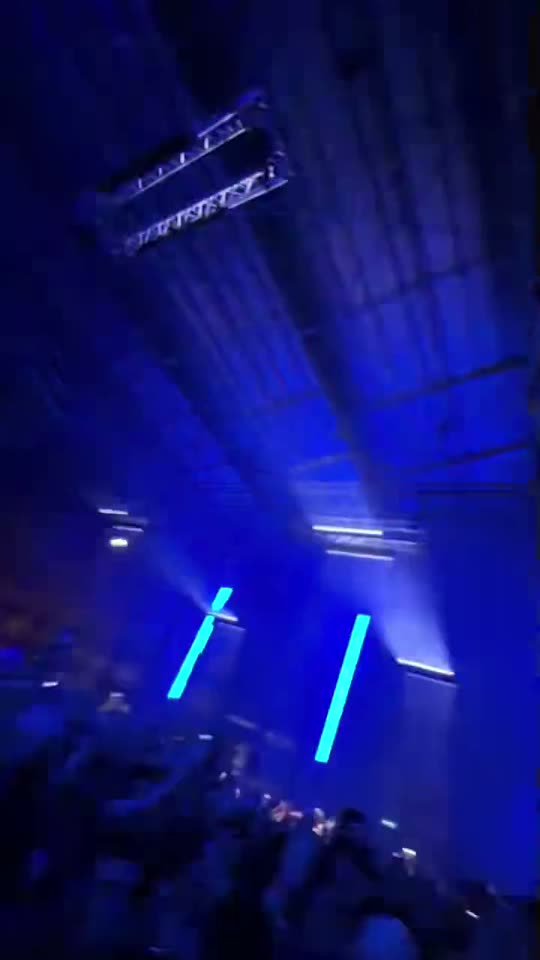
- Gig clips from Fabl's library, picked by how they look
- Or your own clips, as many as you like
- Or your own photo or artwork behind the video
- Clips change on the beat at your track's tempo, and faster into the drop
- Preview with TikTok's, Reels' or Shorts' buttons on top, to check nothing is hidden
How to promote your track on TikTok
What works for producers on TikTok works on Reels and Shorts too.
- 01
Lead with the drop
People decide in a second or two whether to keep watching. Start a few seconds before the track hits, not at the intro. Fabl finds the drop and starts the clip just before it.
- 02
Put words on screen
Plenty of people scroll with the sound down. One line over the build, like "wait for it" or "6am at the afters", tells them why to turn it up.
- 03
Give people a reason to comment
A question like "Rate this drop 1 to 10" or "ID?" gets replies, and replies help a video reach more people.
- 04
Tease it before it's out
Post the drop weeks before release with "Out soon" on it. It builds a crowd for release day and shows you which track people want.
- 05
Post more than one
Try different drops, templates and footage. Each video takes a minute, so you can see what works instead of guessing.
- 06
Keep clear of the buttons
Each app covers the right side and the bottom with its buttons and caption. Fabl keeps text clear of them, and lets you preview with each app's buttons on top.
Your track, your video
What it does
- Makes the video in your browser, so your track never leaves your device
- Uses your track as the sound
- Lets you move and resize the text and waveform
What it doesn't
- Add meme audio or anyone else's voice
- Post for you. You download the video or share it from your phone
Questions
- What is Fabl's promo video maker?
- Fabl's promo video maker is a free online tool for music producers that turns a track into a vertical promo video for TikTok, Instagram Reels and YouTube Shorts. It finds the drop, cuts a 5 to 30 second clip around it and puts it over gig footage that changes on the beat, all in the browser.
- How do I make a TikTok video for my song?
- Drop the track into the promo video maker, pick the drop you want people to hear, choose a template and write one line for the screen. Fabl cuts the footage to the beat and makes a 1080 by 1920 video with your track as the sound, ready to post on TikTok, Reels or Shorts.
- Is it free?
- You can try every template without an account, then sign up free to download. A free account makes 3 videos a month. Pro and Studio make as many as you like. Lyrics can read the words of 10 clips a month on a free account.
- Is my track uploaded?
- No. The video is made in your browser, so the track stays on your device. The one exception is the Lyrics template, which sends the clip (a minute at most) to be read for its words. Fabl doesn't keep it.
- Can I use it for a track that isn't out yet?
- Yes, that's what the Unreleased ID template is for. Nothing is uploaded, so an unreleased track stays private until you post the video.
- How long is the video?
- Between 5 and 30 seconds, around the drop you choose.
- Which apps is it for?
- TikTok, Instagram Reels and YouTube Shorts. Every video is vertical, 1080 by 1920, with the sound in it, which is what all three take.
- Where does the footage come from?
- Either your own clips and photos, or Fabl's library of gig clips, used with the permission of the people who filmed them.
- Does it work on my phone?
- Yes. On a phone the settings sit in tabs under the video, and the finished video opens the share sheet so you can post it straight away.
Make a video for your next release
Try it without an account. When the track is ready to send, Fabl finds the labels that sound like it.