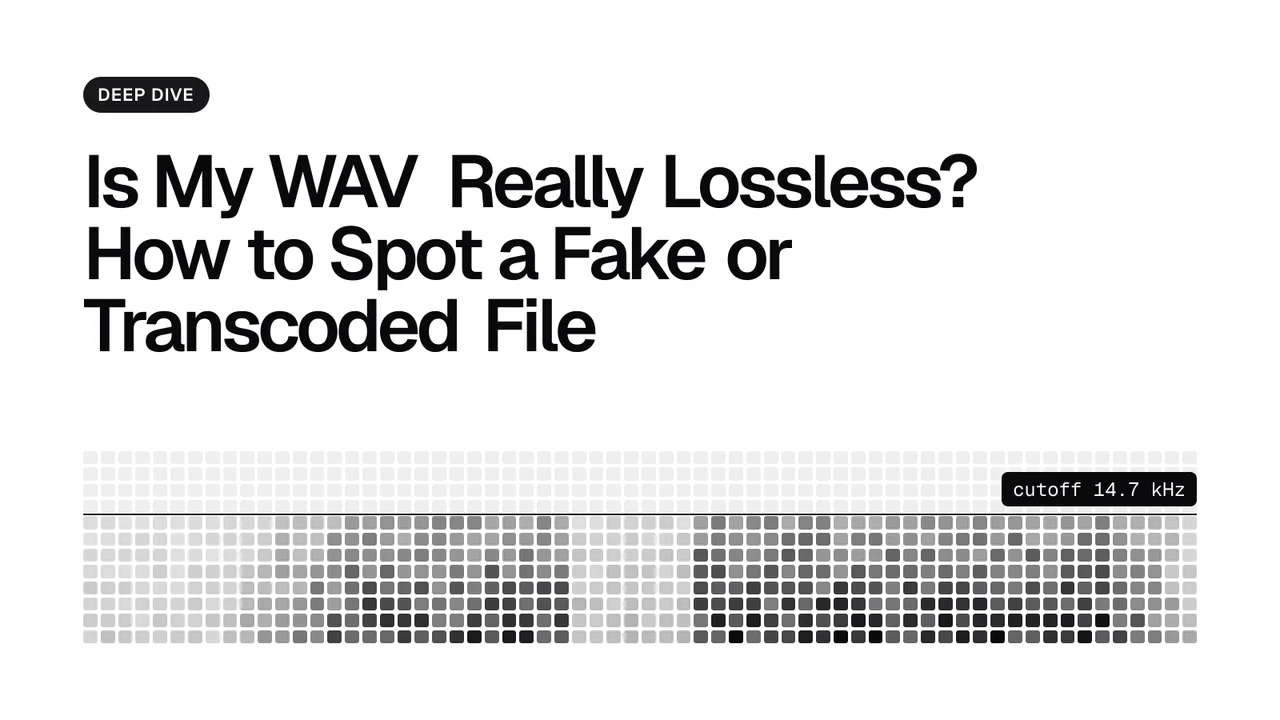
Is My WAV Really Lossless? How to Spot a Fake or Transcoded File
A WAV file is a container. It holds whatever samples you put in it. Convert a 128 kbps MP3 to WAV and you get a file about ten times the size that sounds exactly like the MP3, because the detail the encoder threw away is gone for good. Nothing in the conversion brings it back.
That is what people mean by "fake lossless": a lossy file (MP3, AAC, Ogg Vorbis, Opus, a rip from a streaming site) saved again as WAV, AIFF or FLAC. Sometimes it is done on purpose, to pass a file off as something it isn't. More often it happens by accident. A promo gets passed around as MP3 and someone converts it back. A vocalist emails you their take as an MP3. A sample came from a YouTube rip three years ago and you forgot.
This post covers how to tell the difference, what the spectrum is actually showing you, and where the usual rule of thumb goes wrong.
Why the file details lie
The file extension, the file size and the bitrate your computer reports tell you nothing about where the audio came from.
A 16-bit, 44.1 kHz stereo WAV is always 1,411 kbps, whatever is in it. Silence, a symphony and a transcoded 128 kbps MP3 all have the same bitrate once they are PCM. FLAC is compressed, so its size does vary with the content, but FLAC compression is lossless: a FLAC made from an MP3 is a perfect copy of a lossy signal.
So the only reliable evidence is in the audio itself, and the place to look is the top of the spectrum.
What lossy encoders do to the spectrum
MP3, AAC, Vorbis and Opus are perceptual codecs. They split the signal into frequency bands and spend their limited bits where your ears are most sensitive. The very top of the spectrum is where hearing is weakest, so it is the first thing to go. Encoders apply a low-pass filter whose frequency depends on the bitrate, and above it they simply store nothing.
For reference, the LAME encoder (behind most MP3s you will ever see) sets its default low-pass at about:
| Bitrate (CBR) | LAME low-pass |
|---|
| 128 kbps | 17.0 kHz |
| 192 kbps | 18.6 kHz |
| 256 kbps | 19.7 kHz |
| 320 kbps | 20.5 kHz |
Older encoders, other settings and other codecs land elsewhere. Opus is designed to stop at 20 kHz. Many older 128 kbps MP3s and low-bitrate AAC files cut closer to 16 kHz, which is where the well-known "16 kHz shelf" comes from.
Compare that with what a real file can hold. A 44.1 kHz file can carry content up to 22.05 kHz (half the sample rate, called the Nyquist frequency), and a 48 kHz file up to 24 kHz. A genuine lossless master of a modern electronic track usually has something all the way up there: cymbal and hat energy, noise, reverb tails, dither. It may be quiet, but it is there.
On a spectrogram, a transcode shows up as a flat ceiling. Everything stops at one height, and that height stays the same through the whole track, whether a hi-hat is playing or the track is in a breakdown.
Reading the cutoff: 16, 19 and 20 kHz
Once you have found a ceiling, its height gives you a rough idea of the source.
Around 16 kHz. A low-bitrate source, roughly the 128 kbps class, MP3 or AAC. Typical of old downloads, free promos and stream rips. On a big system the hats sound dull and the top end can swirl or "chirp". At lower bitrates you often also see holes: patches above the ceiling that flicker in and out as the encoder runs short of bits.
Around 19 kHz. Roughly the 192-256 kbps class. Common in older store downloads and promo pools. Harder to hear, but still lossy.
Around 20 kHz and slightly above. A 320 kbps MP3, a high-bitrate AAC or an Opus file. These are the hardest to hear and the hardest to separate from a real master, because on a 44.1 kHz file there is only about 1.5 to 2 kHz left between the cutoff and the top of the spectrum.
Treat these as classes, not numbers. Encoders, versions and VBR modes all shift the cutoff, so it points to a range of bitrates. A tool that tells you "this was encoded at exactly 192 kbps" from the cutoff alone is guessing.
Why a low-pass alone is not proof
Plenty of genuinely lossless files stop early, and this is where most quick checks go wrong.
- Mastering filters. Some engineers low-pass a master somewhere around 18-20 kHz to tame harshness or keep content the limiter would only waste headroom on.
- Dark records. Deep house with filtered drums, dub techno, anything run through tape emulation or a heavy low-pass for character. If nothing in the track makes sound above 17 kHz, the spectrum will be empty up there.
- Old sources. Vinyl rips, vintage drum machines and samplers that ran at low sample rates. Their top end was never there to begin with.
- Resampling. A 44.1 kHz master upsampled to 96 kHz shows a hard wall at about 22 kHz with nothing above it. That is not a lossy file. It is just not real hi-res either.
What separates these from a transcode is what happens at and above the cutoff.
A codec zeroes the bands it drops. Above its cutoff there is digital silence, and the fall into that silence is extremely steep: tens of decibels within a few hundred hertz. No mastering EQ or analog filter falls that fast.
A filter rolls off gradually and leaves something behind. Above the corner you still see residual signal, noise or dither, just lower.
So the evidence you are looking for is all three together:
- A steep cliff, not a slope.
- Silence above it, not low-level noise.
- The same cliff at the same height all through the track.
A slope, or noise above the corner, points to a filter or a dark master. That is not evidence of a fake.
How Fabl's checker decides
The free audio quality checker applies that same reasoning, so it is worth knowing what it is looking for. The file is decoded and analyzed in your browser and is not uploaded.
It takes up to four 30-second slices spread across the track, averages the spectrum of each, and looks for the largest energy drop above 10 kHz. It only calls a file lossy when every slice agrees on all three signals: a fall of at least 25 dB within 500 Hz, the region above sitting at least 60 dB below the level of the 2-8 kHz range, and the edge at the same frequency across slices.
The verdicts you can get:
- Genuine Lossless. Content reaches the top of the spectrum, or goes past anything a lossy codec keeps.
- Lossless, upsampled. A resampler-style wall above about 21.6 kHz with empty space up to a higher sample rate's Nyquist. Not lossy, not true hi-res.
- High, Medium, Low or Very Low Quality. The encoder signature was found, so the file came from a lossy source. The grade comes from the cutoff height (High is around the 256-320 kbps class, Medium 192-256, Low 128-160, Very Low below that). "High Quality" means a good lossy file, not a lossless one, and the bitrate is shown as a class, never a number.
- Limited Bandwidth. The content stops early but there is no encoder signature. This is deliberately neutral. It is what a dark or filtered master looks like, not an accusation.
There are limits. A single lossy element inside a mix (one MP3 vocal over lossless drums) will not make a clean ceiling, because the other parts fill in the top. And a determined faker could add noise above a cutoff. A result is evidence, not a certificate. If provenance really matters, open the file in a spectrogram viewer such as Spek, SoX or Audacity and look for yourself.
Why it matters for DJs
A transcode does not sound broken on laptop speakers. On a club system it is easier to hear: dull or smeared hats, a top end that lacks air, a slight swirl on reverbs. It also gets worse with every new encode, and most music gets encoded again somewhere, whether by a streaming platform, a recording of your set or a video upload.
If you paid for a WAV or FLAC and it turns out to be a transcode, contact the store or the label with a screenshot of the spectrum. Many will replace it. For promos and free downloads, check before a track goes into your set rather than after.
Why it matters when you send music to labels and stores
For producers, the risk is usually in your own project, not in a download.
Common leaks:
- Samples ripped from YouTube or other streams
- Vocals or stems a collaborator sent as MP3
- An element bounced from an MP3 reference and never replaced
- A master sent back and forth through a chat app that compresses audio
Exporting the project as a 24-bit WAV does not undo any of this. Whatever was lossy going in is still lossy coming out.
Stores and distributors ask for WAV or FLAC so they have a clean source to encode from. If your master is already lossy, it gets encoded a second time for streaming, and the artifacts stack. A lossy file in a WAV wrapper meets the letter of the requirement but not the point of it.
Before you send a demo or deliver a master, run the final file through the checker. If it comes back with an encoder signature, trace the source before you send anything. If it says Limited Bandwidth and you know your master is filtered or dark, that is expected.
Quick Checklist